Answer
Handle calls, texts, website inquiries, FAQs, and common customer questions.
A practical AI operating layer for your business
Teach it how your business works once. Then let it handle the repetitive communication, follow-up, scheduling, intake, and administrative work that keeps pulling you away from the work only you can do.
More of your business gets done without requiring more of your time.
Experience how a CallShift Digital Twin handles a live conversation: 1-833-722-6926.
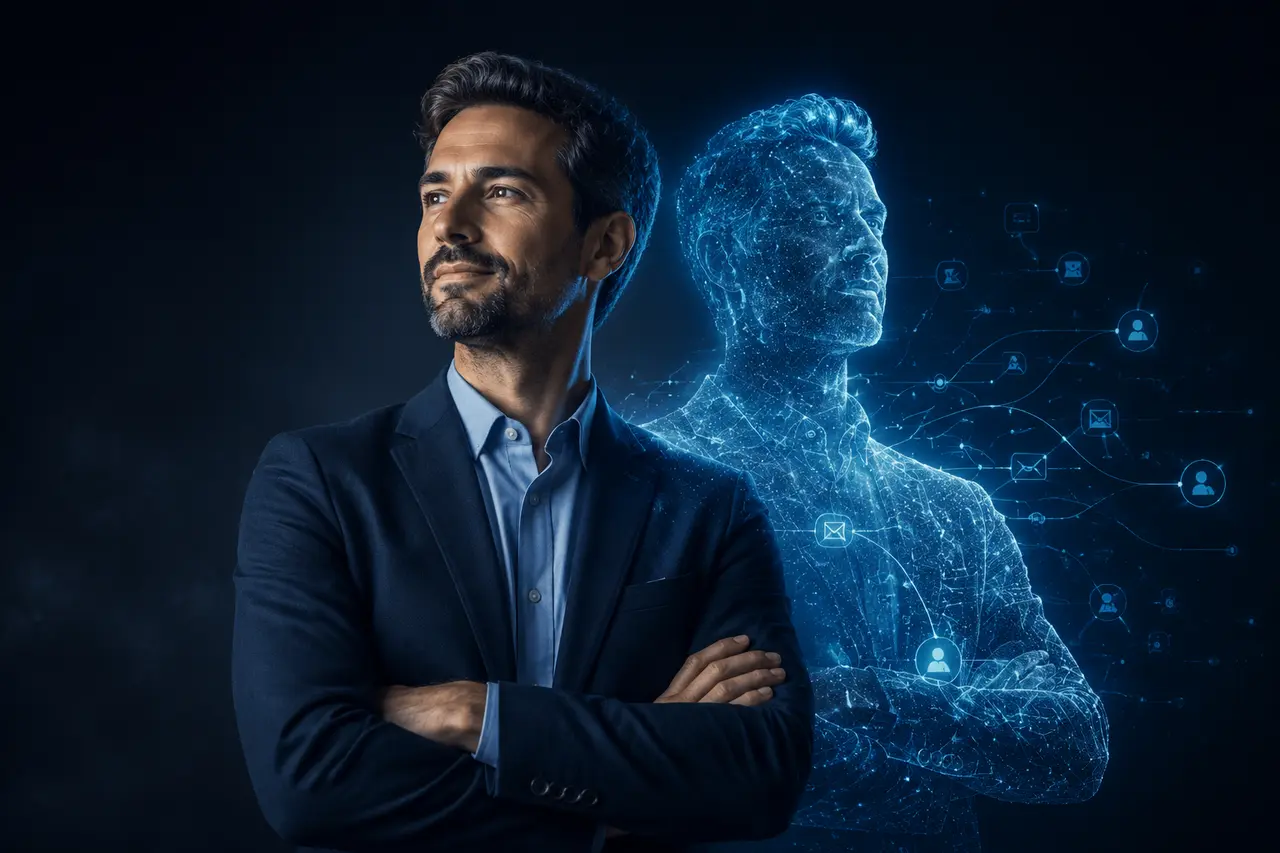
Your Digital Twin represents you. It does not pretend to be you.
More than an AI avatar
The visible avatar is only one optional interface. The real Digital Twin is the operating knowledge behind the work: how you communicate, what it may do, what it must never do, which systems it can use, and when a person takes over.
The avatar is not the Digital Twin. It is simply one way your Digital Twin can communicate.
What can your Digital Twin do?
Your Digital Twin starts with the responsibilities consuming the most time. Additional skills can be activated as the business grows.
Handle calls, texts, website inquiries, FAQs, and common customer questions.
Collect lead information, intake details, service needs, and customer information.
Ask approved questions and determine the appropriate next step.
Book consultations and appointments using real availability and business rules.
Recover missed calls, nurture leads, and make sure opportunities do not disappear.
Turn your expertise into useful posts, scripts, videos, carousels, and thought leadership.
Recognize when something needs a person and route it to the right human.
How it works
You do not need to automate everything at once. Start with the work creating the biggest bottleneck.
Find the communication, administrative, lead handling, follow-up, and content tasks consuming unnecessary time.
Document your knowledge, style, rules, permissions, systems, bottlenecks, and escalation requirements.
Connect the required communication channels, CRM, calendars, workflows, and business systems.
Refine proven workflows and add responsibilities only when they create useful business value.
Free Digital Twin Blueprint
Tell us the repetitive task or bottleneck consuming your time, and we’ll create a free one-page workflow map showing how your Digital Twin could handle it, what should remain human, and where the first workflow should begin.
Personalized to your business and delivered within one business day. No sales call required.
The Blueprint shows you what your Digital Twin should handle. The Digital Twin Build is where we configure the knowledge, rules, workflows, integrations, and safeguards that make it work.
CREATE MY FREE BLUEPRINT See an Example BlueprintThis Example Blueprint is an illustrative workflow map, not a client case study.
New inquiries arrive while the team is busy with existing clients.
Someone checks messages between appointments and manually follows up later.
A reply waits until a person has time to review the inbox.
A Digital Twin acknowledges the inquiry, gathers approved details, and offers an eligible next step.
Initial response, approved questions, follow-up reminders, and scheduling within set rules.
A person reviews exceptions, makes decisions, and takes the client conversation forward.
Business inbox, calendar, and CRM, if available.
Map one inquiry channel and its escalation rules first.
Your Blueprint would be personalized to the work you tell us about.
CREATE MY BLUEPRINTBuilt around the business
Handle the work between interest and appointment without providing medical advice.
Explore med spa workflows →02Protect lawyer time from approved repetitive intake and administrative work.
Explore law firm workflows →03Stay visible and responsive without being glued to the phone.
Explore real estate workflows →04Support consultants, clinics, and other inquiry-driven professionals.
Explore professional workflows →Digital Twin questions
A CallShift Digital Twin is an AI representative and operating layer built around your business knowledge, rules, communication style, permissions, workflows, connected systems, and escalation requirements.
The Free Digital Twin Blueprint identifies the best opportunities for automation in your business. It maps what AI can safely handle, what should remain human, and which workflows should be built first.
The Digital Twin Build is the implementation process where CallShift configures the knowledge, rules, integrations, workflows, permissions, testing, and safeguards required to make those automations work.
No. Your Digital Twin represents you. It does not pretend to be you. Customer-facing communication can identify it transparently as your business's AI assistant or representative.
No. An authorized avatar or cloned voice is optional and mainly useful when seeing or hearing the owner adds marketing value. It is not required for calls, text, intake, booking, CRM work, or follow-up.
Yes. You do not need to automate everything at once. Start with the repetitive responsibility creating the biggest bottleneck, prove it, and add skills over time.
The Digital Twin follows the fallback and escalation rules you approve. It can collect context, notify the appropriate person, transfer the conversation, or clearly explain that a human will follow up.
CallShift is designed to move repetitive work away from expensive human time so people can focus on judgment, relationships, expertise, and higher-value responsibilities.